
Projects and machines
A project groups related work. It can contain one or more workspaces, each a repository or folder. A workspace lives on a connected machine that can run its commands. Some sessions can run in a browser environment instead.
Open a project
- Select Projects in the left sidebar and choose New project.
- Choose Import a folder, Clone a repository or Start fresh.
- For an existing folder or repository, select the Project folder or Destination folder shown. For a new project, enter the New project folder.
- Choose the machine that should hold the workspace and run its commands, then finish creating the project.
- Open the project from the sidebar and start a session.
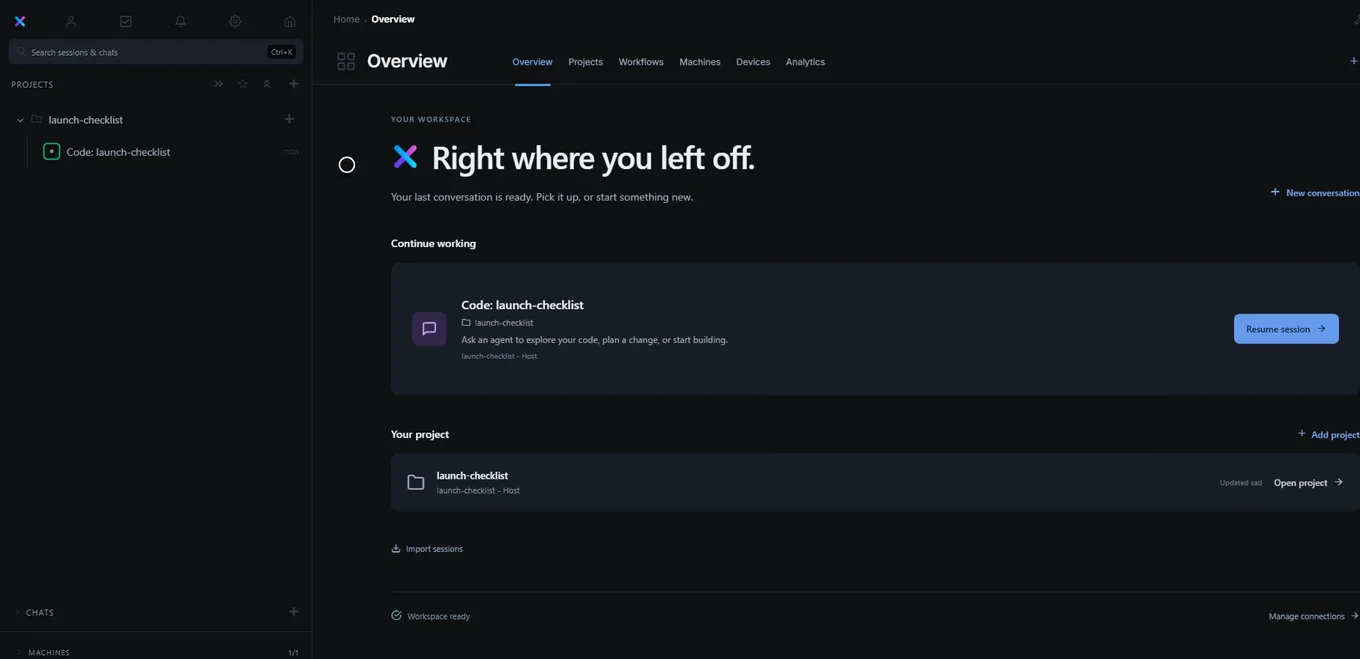
The project list and machine list can be opened separately from the sidebar. A machine shown offline cannot run a new command until it reconnects.
Choose the right machine
The session terminal runs on the machine that holds the selected workspace. Choose a machine that has the files you want to edit. If you use a different machine, add or clone a workspace there before starting work. A browser session runs in its browser environment.
Add another workspace
A project can contain more than one workspace. Open the project details and choose Add workspace to attach another folder or repository. Use Choose workspace to switch which one a session uses. This keeps related codebases under one project while each workspace keeps its own files and machine.
If the machine disconnects, check that Glixo Code is open on it and that it can reach your Glixo server. Refresh the machine list after it reconnects. Do not start another copy of the project just to work around an offline machine; first confirm which copy contains your latest files.
Find a project’s work
Expand the project in the sidebar to find its sessions. Reopen a session to read its conversation, files and command output. Start a new session when you want a separate task or a clean conversation.
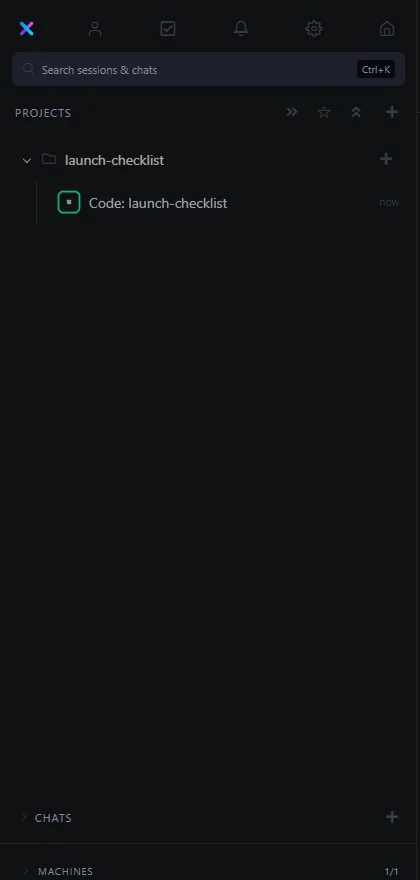
If a project is missing, check that you are signed in to the expected Glixo account, then refresh the project list. A workspace on another machine may need to be added to the project before it appears there.